HTTP 429 with Rotating Proxies: Diagnose Rate Limits
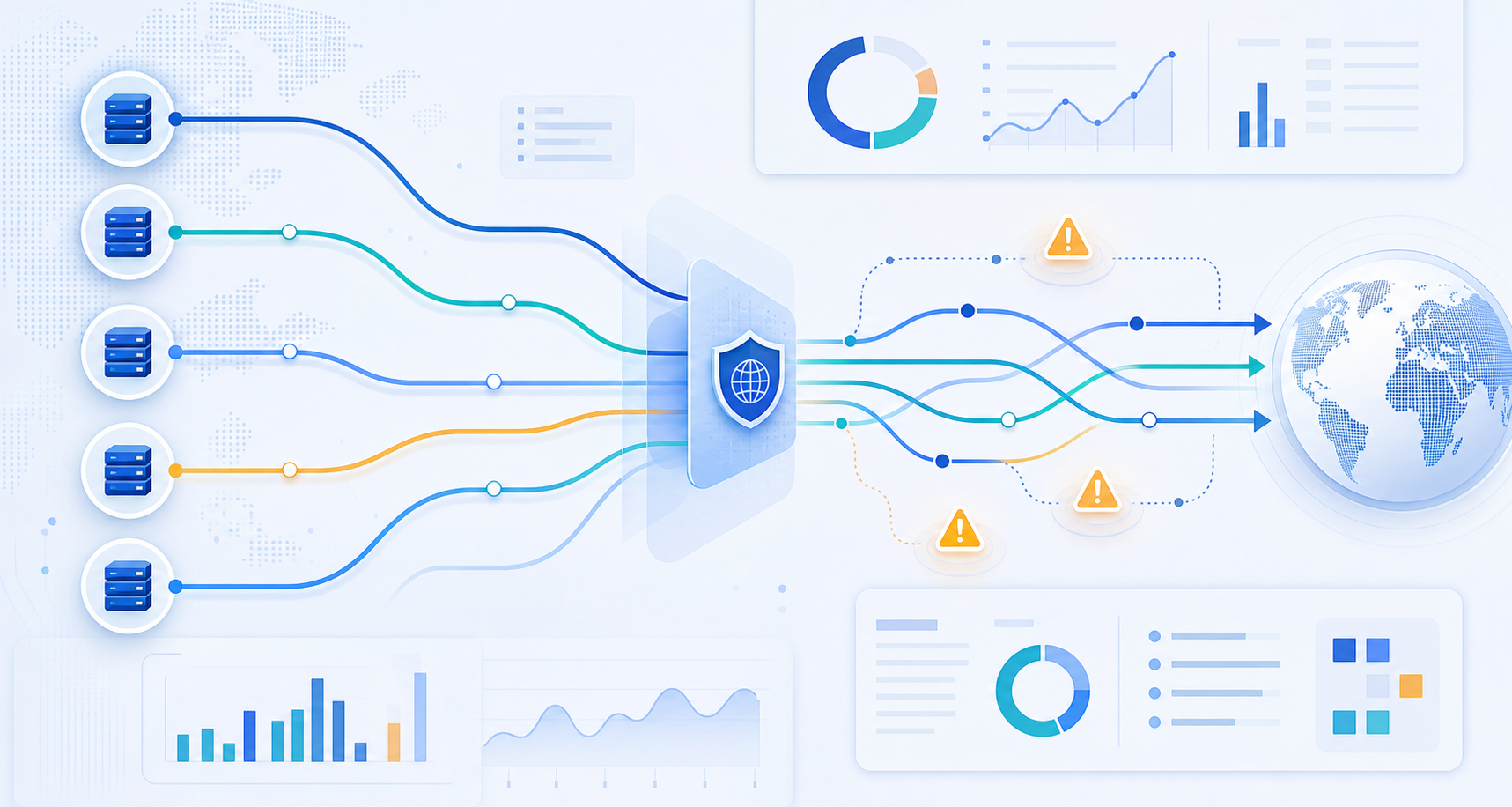
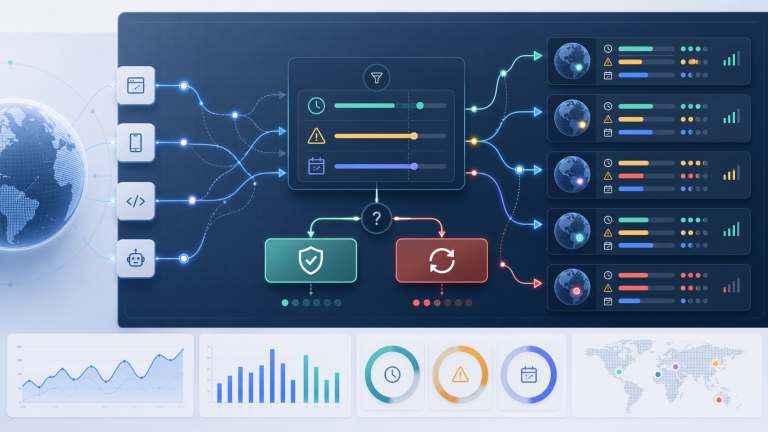
If you still get HTTP 429 after enabling rotating proxies, the first question is not “which IP should I replace?” It is “which limiter is actually counting me?” A 429 response usually means the target is rate limiting requests. Rotation helps only when the limit is mostly tied to an exit IP. If the limit is tied to account, token, cookie, browser fingerprint, ASN, path, or request pace, more IP changes can keep the error rate high or make the session look less trustworthy.
A practical diagnosis is to slow the workflow, read the response headers, separate IP-level limits from identity-level limits, and then decide whether you need a bigger pool, longer sessions, lower concurrency, better retry logic, or a different proxy type.
What 429 means in a proxy workflow
MDN describes 429 Too Many Requests as a client error response for rate limiting, and the server may include a Retry-After header that tells the client how long to wait. In proxy work, that matters because the proxy is only one part of the identity the target sees.
A target can count requests by:
- exit IP address
- account, API key, login session, or cookie
- device/browser fingerprint
- subnet, ASN, or hosting/residential classification
- endpoint path, query pattern, or action type
- request timing and concurrency
- failed login, checkout, search, or scrape attempts
Rotating residential IPs can reduce per-IP pressure, but they do not erase these other signals. If every request uses the same account, sends the same headers, or repeats the same action too fast, the target can still return 429 across many exits.
Start with a controlled baseline
Before changing proxy providers or buying a larger pool, run a smaller controlled test. Use one target, one endpoint, one account state if applicable, and one proxy configuration. Record status codes, timestamps, exit IPs, response headers, and whether the response includes Retry-After.
A useful baseline looks like this:
- Send a low request rate through one stable session.
- Increase pace gradually until the first 429 appears.
- Pause for the
Retry-Afterduration if it is present. - Repeat the same test with a new exit IP but the same account/session.
- Repeat with a fresh account/session or no login state if your workflow allows it.
- Compare whether the limit follows the IP, the account/session, or the action pattern.
If the 429 disappears when the exit IP changes but the account and request pace remain the same, IP-level limits are likely important. If it follows the account or cookie across exits, rotation alone is not the fix.
Read headers and retry behavior before increasing rotation
For HTTP clients and scraping tools, the most valuable signal is often in the response headers. Check for Retry-After, rate-limit reset fields, request IDs, or provider-specific messages. A target that clearly tells you to wait 60 seconds is giving you a safer next step than blind immediate retries.
Immediate retries are a common failure pattern. They can turn a small burst into a persistent block because every retry adds another request to the same limit window. Exponential backoff is safer: wait, retry once, increase the wait, and cap the total attempts. For business workflows, it is better to complete fewer clean requests than to produce a larger number of repeated 429s.
Decide whether the limiter is IP, identity, or behavior
Use the observations to classify the problem.
IP-level limit is likely when different exits get different results while account, headers, and timing stay constant. In that case, reduce per-IP request volume, use a larger or cleaner pool, and avoid hammering the same domain from one small group of exits.
Identity-level limit is likely when the same account, cookie, API key, or device profile gets 429 across multiple exits. Here, proxy rotation may protect location access, but the real fix is lower action frequency, session rest periods, and a workflow that respects account-level limits.
Behavior-level limit is likely when 429 appears after repeating the same endpoint, search query, cart action, or API call pattern regardless of the exit IP. This needs pacing, randomization inside acceptable business rules, caching of repeated reads, and better job scheduling.
Network-class or reputation pressure is likely when many exits from the same pool or ASN get similar treatment. In that case, test a smaller set of high-quality residential exits, compare against datacenter/static proxies for stable sessions, and check whether the target treats residential and datacenter traffic differently for your exact use case.
Rotation can make 429 worse when sessions need continuity
More rotation is not always better. Login flows, carts, dashboards, ad accounts, and social platforms often expect continuity. If the exit changes too often, the target may see a session jumping between locations or networks. That can trigger fresh verification, risk scoring, or additional rate limits.
For account-heavy workflows, a sticky session can be safer than per-request rotation. Use one exit for a session window, keep request pace modest, and rotate only after the session task is complete or after the target has cooled down. For simple unauthenticated collection, per-request or short-window rotation may work better, but only if the target mostly counts by IP.
When to change proxy settings
Change the proxy setup after you know what failed.
Choose a larger rotating pool when your logs show clear per-IP exhaustion and the target accepts fresh exits at the same pace. Choose longer sticky sessions when the target punishes location jumps or login instability. Choose static datacenter or static residential exits when continuity matters more than spreading volume. Choose country or city targeting only when the workflow genuinely depends on local access; geo targeting does not solve account or behavior-level limits by itself.
If you need a residential pool for legitimate scraping, localized checking, or account workflows, compare your requirements against dynamic residential proxy pricing and rotation options. For broader proxy product selection, review proxy options by workflow and location rather than treating rotation speed as the only metric.
Operational checklist for reducing 429s
Use this order before replacing the whole proxy stack:
- Log status code, target URL, exit IP, account/session ID, timestamp, and response headers.
- Respect
Retry-Afterwhen present. - Add exponential backoff and a maximum retry count.
- Lower concurrency before increasing pool size.
- Test whether the limit follows the IP, account, cookie, or action pattern.
- Keep sticky sessions for workflows that require login or continuity.
- Rotate more aggressively only for workflows proven to be IP-limited.
- Cache repeated reads and remove unnecessary duplicate requests.
- Separate high-risk actions from simple page reads.
- Re-test with a small clean sample before scaling.
The main decision is simple: do not treat 429 as automatic proof of bad proxies. Treat it as a rate-limit signal. Once you know what the target is counting, you can choose the right fix: pacing, retry policy, session design, pool quality, or proxy type.