Proxy Session Continuity Checklist: What to Verify After Reconnects
A proxy reconnect can look harmless when the next request succeeds. But for account-heavy workflows, a reconnect may change more than the connection status. It can change the exit IP, region signal, session behavior, error pattern, or the way a target site sees the next action.
That is why proxy session continuity needs its own checklist. The question is not only whether the proxy came back online. The practical question is whether the route is still suitable for the same task after the reconnect.
This guide gives teams a simple way to record what changed after reconnects before they reuse the same proxy route in production workflows.
Why Reconnects Need a Separate Review
Connection recovery is not the same as session continuity. A proxy can reconnect successfully while still changing the network context behind the session.
For lightweight browsing, that may not matter much. For long-running workflows, account checks, regional content, or tools that expect stable routing, the difference can be important. A task may continue technically but become harder to interpret if the exit IP or region changed mid-session.
If your team is already testing how long an exit route stays assigned, compare this checklist with sticky proxy session length. Session length tells you how long a route can remain assigned; this checklist helps you decide what to review when that continuity is interrupted.
The Five Signals to Record After a Reconnect
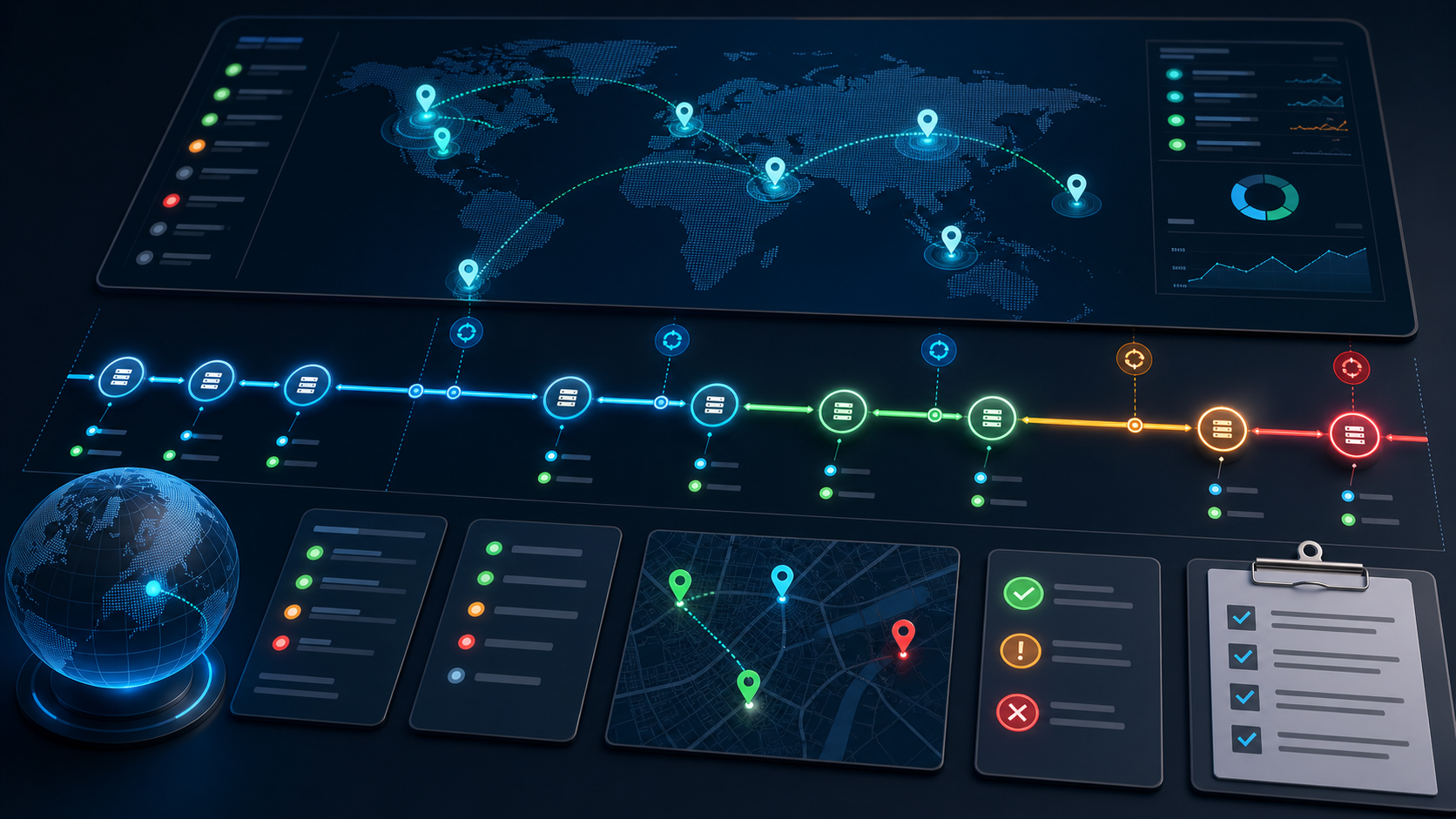
First, record the exit IP before and after reconnect. If the IP changed, the same workflow may need a new review step.
Second, record region and timezone signals. A reconnect that changes city, country, or regional content can affect account-heavy workflows and geo-targeted checks.
Third, record session behavior. Did the site keep the session, ask for login again, redirect to another page, or change visible content?
Fourth, record error type. Timeout, connection refused, reset, 407, 403, and 429 point to different causes. If you only write “proxy failed,” the next operator cannot diagnose the route.
Fifth, record task impact. Did the reconnect happen before login, during browsing, during form submission, during export, or after completion? The same reconnect has different risk depending on where it occurs.
Reconnect Review Table
| Signal | What to Record | Decision It Supports |
|---|---|---|
| Exit IP | IP before reconnect, IP after reconnect, route label | Whether the same task can continue under the same route |
| Region | Country, city, timezone, target-site visible region | Whether geo-sensitive work needs a pause |
| Session behavior | Still logged in, logged out, redirected, content changed | Whether account context remained usable |
| Error type | Timeout, reset, refused, 407, 403, 429, DNS issue | Whether to troubleshoot configuration, rate, or route quality |
| Task stage | Before login, during browsing, during submission, after export | Whether the workflow can resume or should restart |
Do Not Rotate Immediately Without a Record
When a route fails, the fastest reaction is often to replace the IP. That can solve the immediate request, but it may also erase useful evidence.
Before replacing the route, capture the failure pattern. Was the issue isolated to one URL, one proxy type, one region, one client, or one task stage? The answer matters because some failures point to configuration rather than proxy pool quality.
For a reusable logging structure, use a proxy error log template before rotating routes. It keeps reconnect decisions from turning into guesswork.
Separate Route Quality From Client Behavior
A reconnect may expose a client-side issue rather than a proxy-side issue. For example, a command-line request may recover cleanly while a browser client keeps an old DNS path, cached session state, or different proxy protocol setting.
That is why session continuity checks should include the client or tool used for the test. If curl works but a Python client fails, the issue may be authentication handling, DNS resolution, timeout settings, or SOCKS behavior rather than the proxy route itself.
For this kind of mismatch, compare the route with the checks in SOCKS5 proxy works in curl but fails in Python clients. The same route can behave differently when the client changes.
When a Reconnect Should Pause the Workflow
A reconnect does not always require a full stop. But some signals should trigger a pause before the task continues.
- The exit IP changed during an account-sensitive action.
- The region changed from the expected target market.
- The target site asked for login again or changed the visible account state.
- The reconnect happened during submission, payment, export, or another non-repeatable step.
- The next request returned a different error class than the original failure.
- The same route shows repeated reconnects within a short window.
If these signals appear, continuing automatically may create more confusion than value. Treat the reconnect as a review point, not only a transport event.
How This Fits Proxy Pool Health Checks
Session continuity is one part of proxy pool health. A proxy pool can look healthy at the aggregate level while a specific route is unsuitable for long-running work after repeated reconnects.
That is why reconnect records should feed into broader pool checks: success rate, error class, route age, region consistency, and task impact. Teams that scale traffic without this layer often discover problems only after user-facing tasks fail.
Before increasing traffic, combine this checklist with proxy pool health checks before scaling traffic. Pool-level health and session-level continuity answer different questions.
Practical Recovery Path
- Save the pre-reconnect route details: exit IP, region, protocol, client, and task stage.
- Reconnect and record the new exit IP and visible region.
- Test the same route with a lightweight request before resuming the full task.
- Check whether the site preserved session state or asked for a fresh login.
- Classify the error if the route fails again.
- Decide whether to resume, retry with lower pressure, switch route, or restart the task.
If repeated reconnects come from timeouts or refused connections, use timeout and connection refused diagnosis before assuming that IP rotation is the only fix.
Where Residential Proxies Fit
Residential routes are often selected for workflows that need realistic regional access and more natural network characteristics. That does not remove the need for continuity checks. In fact, it makes the record more important because account-heavy workflows can be sensitive to route changes.
If you are planning a workflow that depends on stable residential routing, start with residential proxies and define the session requirements before the task scales. The proxy type, session expectation, and reconnect policy should be designed together.
Conclusion
A proxy reconnect should not be treated as complete just because the next request succeeds. For real workflows, teams need to know whether the route, region, session state, and task stage are still consistent enough to continue.
The practical checklist is simple: record what changed, classify the error, check the session, and decide whether the workflow can resume. That record turns reconnects from a hidden source of instability into a visible decision point.