Proxy Geolocation Mismatch: Why Location Checks Differ
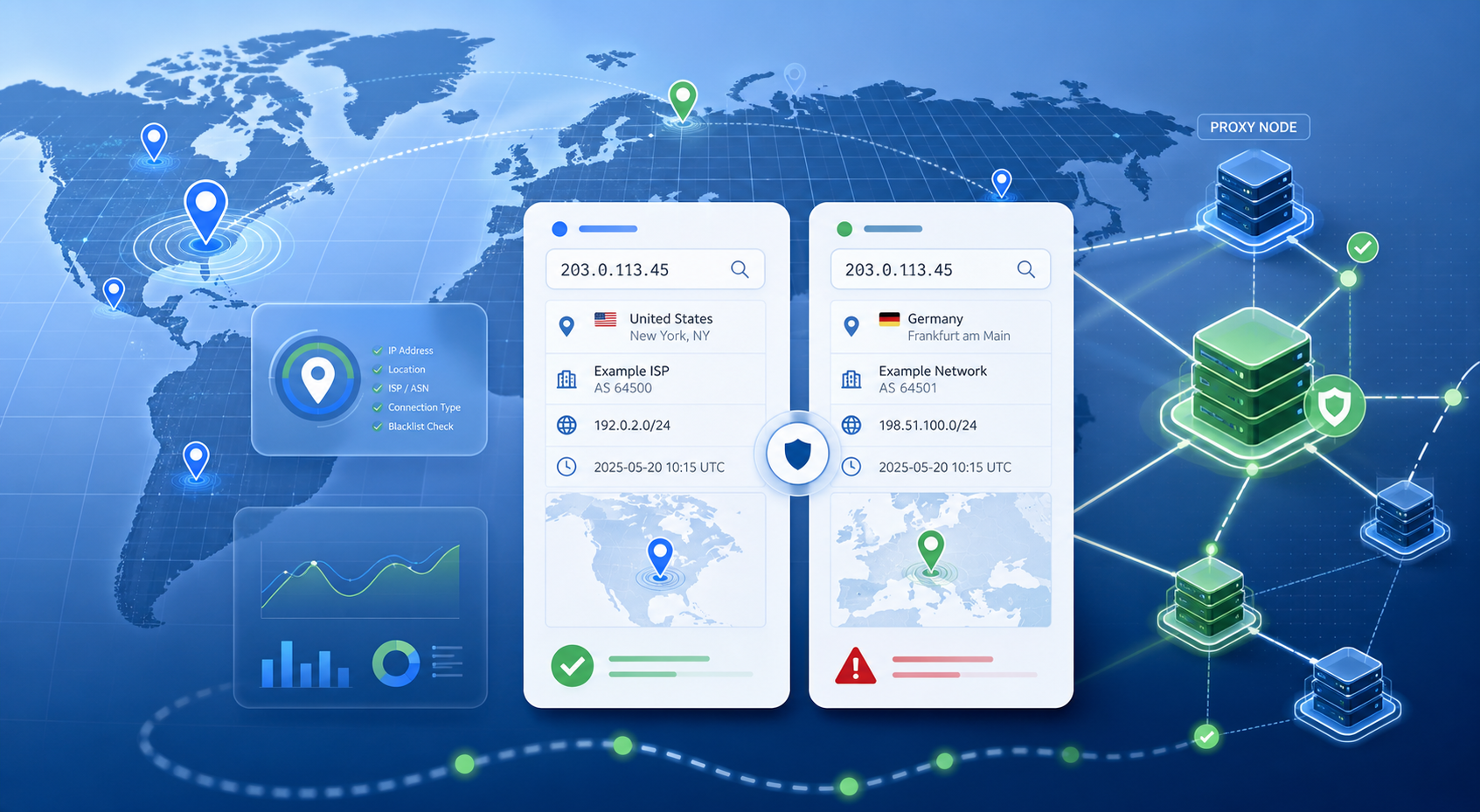
A proxy geolocation mismatch does not automatically mean the proxy is wrong. It usually means one of three things: the lookup database is stale or different, the session is not using the exit IP you expected, or the IP has a reputation label that affects how a target site treats it. Check those in that order before replacing the proxy.
Confirm the exact exit IP before comparing location tools
Start by recording the exit IP returned by the same client, browser profile, or script that failed your test. Do not compare one lookup from a browser and another from a server-side script unless both are using the same proxy endpoint, credentials, protocol, and session setting.
For rotating residential pools, the country choice and the current exit IP are related but not identical. A rotation event can give you a different IP inside the same allowed geography. If your workflow needs continuity, run the same check through a sticky session or a fixed session parameter, then compare again.
Treat IP lookup databases as evidence, not a single source of truth
Different IP intelligence providers update at different speeds and classify networks with different methods. One lookup may show the country correctly but put the city in a nearby metro area. Another may identify a proxy or VPN risk label while a third focuses on ASN, hostname, or abuse history.
Use at least three checks:
| Check | What it tells you | How to interpret a mismatch |
|---|---|---|
| Country and region | Whether the exit IP is broadly in the requested market | Country mismatch is more serious than city mismatch |
| ISP/ASN | Whether the network type matches the expected residential or datacenter profile | Datacenter ASN on a residential workflow deserves a pool/session check |
| Reputation/proxy label | Whether the IP is flagged as proxy, VPN, hosting, abuse, or high risk | A risk label can explain blocks even when geolocation is correct |
Public tools such as IPVoid’s blacklist check and IPQualityScore’s proxy lookup are useful because they expose reputation and proxy-detection signals, not only map location. They still should not be treated as perfect arbiters.
Separate a database mismatch from a proxy routing problem
A database mismatch is likely when the exit IP stays the same, the requested country is correct in several tools, but one provider shows a different city, ISP label, or risk category. In that case, changing the proxy may not fix the target workflow if the target uses the same stale or stricter database.
A routing or session problem is more likely when the exit IP changes unexpectedly between checks, the country changes outside the selected region, or the proxy client falls back to a direct connection after a timeout. Test with a simple command-line request and the same proxy string used by the application. If the command-line result and the application result differ, fix the client configuration first.
Validate against the target workflow, not only lookup pages
For SEO monitoring, ad verification, localized pricing, and scraping, the target site’s behavior matters more than a lookup page screenshot. After recording the exit IP and lookup results, run a small target-side validation: localized search page, ad preview, product page, or public endpoint that reflects the geography you actually need.
If the target site still serves the wrong region while several lookup databases show the right country, check language headers, account history, cookies, browser timezone, DNS, and GPS/browser permission signals. A proxy can provide the network location, but the application environment can still leak a different regional context.
When the IP should be changed
Change the proxy or location pool when the evidence points to the exit IP, not when one tool disagrees. Strong reasons include: the exit IP is outside the selected country across multiple databases, the ASN/type does not match the workflow requirement, the same IP is repeatedly blocked for reputation reasons, or sticky-session tests cannot keep a stable exit identity.
If your workflow depends on country and city selection, compare the current setup with country and city proxy resources and choose a pool that matches the region tolerance you actually need. For high-trust consumer-context workflows, a residential route such as dynamic residential proxies is usually a more natural fit than a datacenter route. For speed-first tasks where exact consumer context is less important, datacenter proxies may still be acceptable.
A practical validation order
- Record the exit IP from the exact client that failed.
- Repeat with a stable session so rotation does not confuse the result.
- Compare country, city, ISP/ASN, and reputation across at least three tools.
- Test the target workflow with clean cookies, matching timezone, and no direct-connection fallback.
- Change the proxy only when multiple checks point to a real exit-IP, pool, or reputation issue.
For general proxy setup and product navigation, start from the proxy options that match your location and stability requirements. The key is to validate the network signal, the session behavior, and the application environment together; checking only one lookup page can send you toward the wrong fix.