
Proxy IP Changed but Requests Use the Old Exit: Keep-Alive and Connection Pool Checks
When a proxy IP changes but requests still use the old exit, inspect persistent connections, client pools, DNS state, and sticky assignment before rotating again.

When a proxy IP changes but requests still use the old exit, inspect persistent connections, client pools, DNS state, and sticky assignment before rotating again.

A proxy exit quarantine process separates uncertain IPs from production traffic, retests the right failure layer, and returns an exit only after defined recovery evidence is present.

Proxy traffic segmentation keeps login checks, validation requests, retries, and scaling traffic in separate lanes so one failure pattern does not contaminate the full proxy pool.
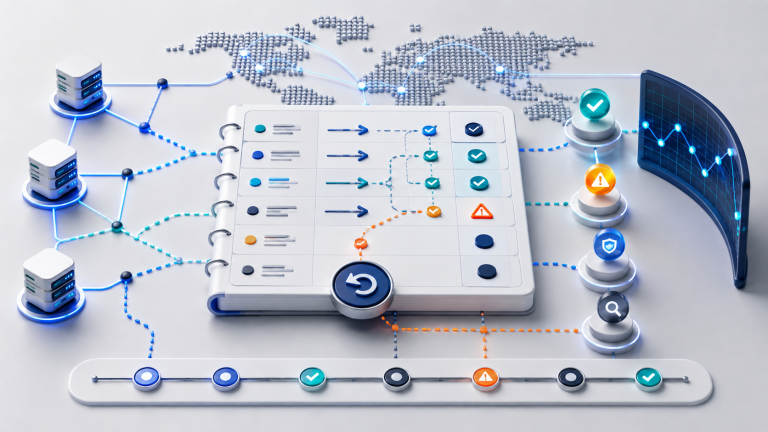
A proxy change log helps teams record exit changes, failure reasons, validation checks, and rollback decisions before proxy troubleshooting turns into guesswork.

A proxy request timing baseline helps teams identify whether failures come from warm-up behavior, traffic bursts, retry pressure, timeout settings, or target-side throttling.

A proxy retry storm happens when failed requests are retried too quickly across the same exits. Use this checklist to separate rate limits, timeouts, bad sessions, and pool pressure before replacing IPs.

A practical proxy cooldown checklist for teams deciding when to retry the same exit, rotate to another exit, or stop traffic after timeouts, 429s, resets, and session instability.
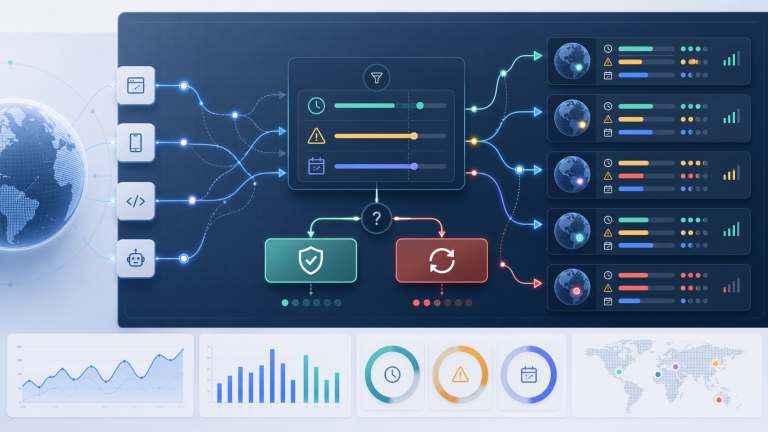
Use this practical checklist to decide when a proxy exit should stay assigned, when it should rotate, and what evidence to record before changing sessions.

Proxy failover is not just replacing one IP with another. This runbook explains when to switch exits, regions, protocols, session strategy, or traffic volume after proxy quality starts degrading.

Proxy reconnects should not be judged only by whether the request works again. Teams should verify exit IP, region, session behavior, error patterns, and task impact before reusing the route.