
Proxy Concurrency Limits: Ramp Threads Without Misreading Connection Failures
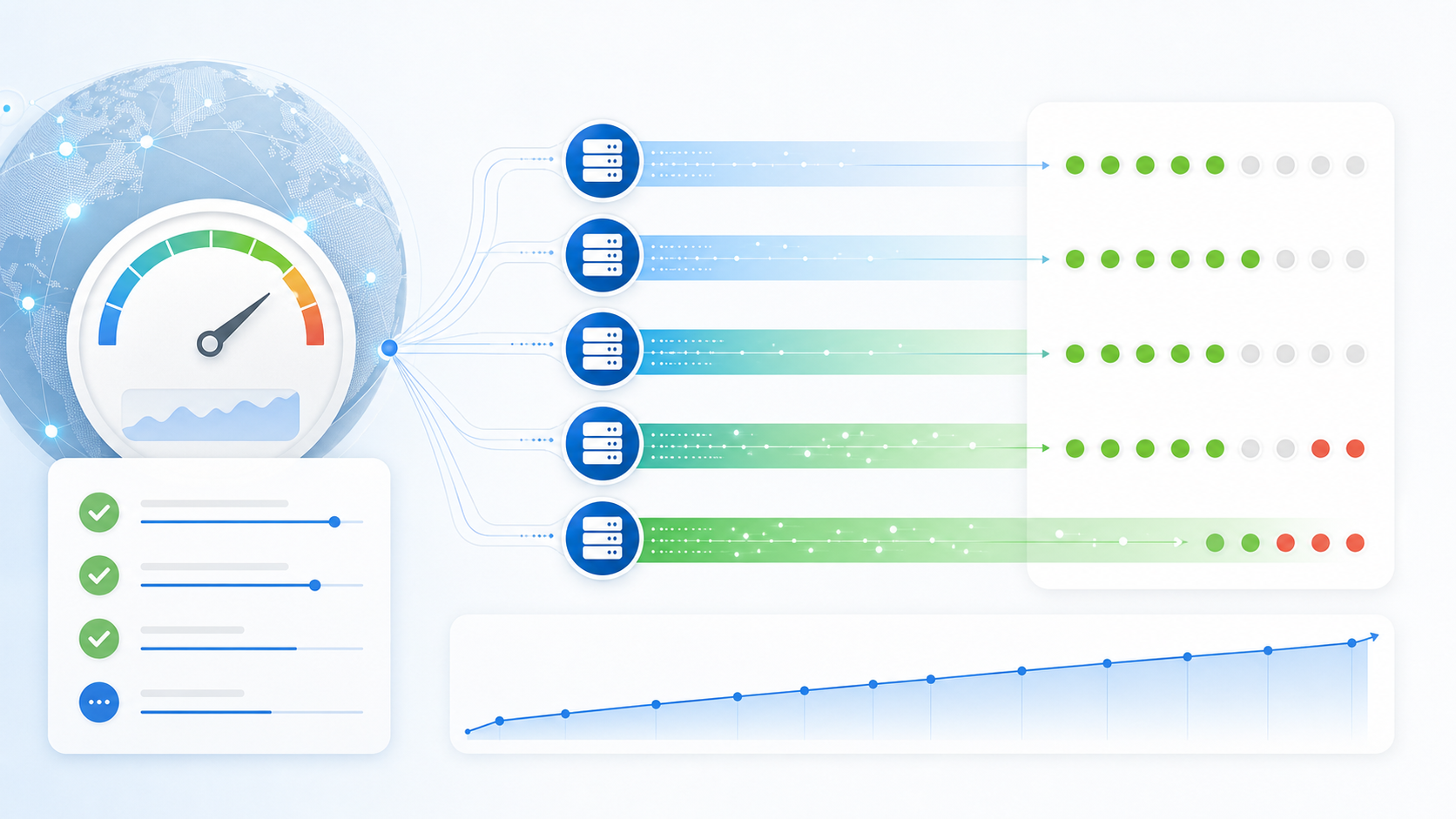
When proxy errors appear after a team raises thread count, the first reaction is often to replace IPs. That can hide the real problem. A proxy can be healthy at 5 parallel tasks and unreliable at 50 because the client, target path, session mode, or retry behavior changed under load.
The practical question is not “how many threads can this proxy handle forever?” It is “at what concurrency level do success rate, latency, timeouts, 429s, and session behavior stop matching the workflow requirements?” This article gives a ramp-up checklist for finding that limit without confusing overload with proxy quality.
Start with a small concurrency ladder
Do not jump from a single connection to full production volume. Use a ladder that changes only one variable at a time. Keep the same target type, proxy pool, client version, timeout setting, and retry rule while you increase concurrency.
| Ramp step | What to run | What to record | Stop signal |
|---|---|---|---|
| Baseline | 1 thread per exit | Success rate, latency, status codes, timeout count | Failures appear before load is added |
| Low load | 3-5 threads per exit | Median and worst request time, auth errors, DNS errors | Latency doubles or auth errors appear |
| Moderate load | 10-20 threads per exit | 429s, connection resets, retry rate, session continuity | Errors cluster around the same exit or client |
| Workflow load | Expected production level | Task completion rate and error mix | Failures affect business-critical steps |
If the baseline is already unstable, do not continue the ladder. Diagnose the basic endpoint, authentication, protocol, and region setup first. The earlier guide on connection failure diagnosis is the safer starting point when a single-thread test cannot stay clean.
Separate proxy overload from target-side throttling
Not every failure after a concurrency increase is a proxy failure. A target may slow down, return 429s, close connections, or require a different pacing strategy. A client may also exhaust local sockets, DNS handling, or connection pools. Treat the proxy as one possible cause, not the only cause.
| Symptom | Likely direction | Next check |
|---|---|---|
| Same proxy works at low load but fails as threads rise | Concurrency pressure or client limits | Reduce threads, keep the same exit, compare latency curve |
| 429s rise while connections still complete | Target-side rate control or pacing mismatch | Review 429 rate-limit diagnosis |
| Timeouts appear across many exits at once | Client timeout, target delay, or network path issue | Compare with a smaller batch and a longer timeout |
| Only one exit fails repeatedly | Endpoint degradation or local pool issue | Pause that exit and compare with another endpoint before replacing the whole pool |
Record concurrency as a field, not a side note
Teams often record the proxy endpoint but forget to record how hard it was being used. Without concurrency, the same error log can tell two different stories. A timeout at 2 threads is not the same as a timeout at 80 threads.
For every ramp test, add these fields to the log:
- Proxy type: residential, static residential, rotating residential, datacenter, or SOCKS5.
- Exit or endpoint group: static exit, sticky session, rotating pool, or city target.
- Thread count per exit and total parallel requests.
- Request timeout, retry rule, and cooldown between retries.
- Success rate, median request time, worst request time, and error mix.
- Decision: keep current limit, lower limit, split workload, or investigate endpoint quality.
If your team already keeps a proxy error log template, add concurrency and retry settings next to each incident. That one field often explains why an error suddenly appeared after a workflow scaled.
Use different limits for sticky and rotating sessions
A sticky session and a rotating pool should not share the same concurrency rule. Sticky sessions are often used when continuity matters. Rotating pools are often used when distribution matters. If you push both with the same thread count, you may create different failure modes but label both as “proxy instability.”
For sticky sessions, watch whether the same exit stays assigned long enough for the workflow. For rotating pools, watch whether errors increase when many requests rotate at once. The guide on proxy session continuity is useful when reconnects or sticky windows are part of the test.
When should the ramp stop?
Stop before the test becomes noisy. A useful ramp test finds the point where the workflow starts to degrade, not the maximum number that can produce any response. Set stop conditions before the test starts.
- Stop if baseline success rate is already below the workflow requirement.
- Stop if timeout or reset errors rise sharply at one step.
- Stop if 429s dominate while network connections remain healthy.
- Stop if one client fails while another approved client stays clean.
- Stop if session continuity breaks in a workflow that requires a stable exit.
After the stop point, decide whether to lower concurrency, split traffic across more exits, adjust retry behavior, or run deeper pool checks. For larger rollouts, pair this article with proxy pool health checks before increasing volume across the whole workflow.
A simple concurrency decision template
Use this short template after each ramp test:
| Decision field | Example value |
|---|---|
| Approved concurrency | 10 threads per exit under this client and target type |
| Reason | 20 threads increased timeouts and retry rate beyond the workflow limit |
| Known caveat | Tested only on one target category and one client version |
| Next review trigger | New client rollout, region change, endpoint group change, or repeated 429s |
For teams comparing proxy types before assigning work, start with residential proxies and then document the concurrency limit that fits each workflow. The right limit is the level where the task stays measurable, repeatable, and explainable.
Final takeaway
Proxy concurrency limits are not fixed numbers copied from a provider page. They are operating limits measured against a specific workflow, client, target, session mode, and error tolerance. Ramp threads gradually, record the error mix, and stop when the signal starts to degrade. That gives the team a usable limit instead of another round of guesswork.